
Skip to content
  • Home
  • About Us
  • Services
    • Mobile App Development
    • Next Js Development
    • React Js Development
    • WordPress Development
    • Shopify Development
  • Gallery
  • Blog
  • Career
  • Contact Us
  • Home
  • About Us
  • Services
    • Mobile App Development
    • Next Js Development
    • React Js Development
    • WordPress Development
    • Shopify Development
  • Gallery
  • Blog
  • Career
  • Contact Us
Estimate Project
  • Home
  • About Us
  • Services
    • Mobile App Development
    • Next Js Development
    • React Js Development
    • WordPress Development
    • Shopify Development
  • Gallery
  • Blog
  • Career
  • Contact Us
  • Home
  • About Us
  • Services
    • Mobile App Development
    • Next Js Development
    • React Js Development
    • WordPress Development
    • Shopify Development
  • Gallery
  • Blog
  • Career
  • Contact Us
  • Home
  • About Us
  • Services
    • Mobile App Development
    • Next Js Development
    • React Js Development
    • WordPress Development
    • Shopify Development
  • Gallery
  • Blog
  • Career
  • Contact Us
  • Home
  • About Us
  • Services
    • Mobile App Development
    • Next Js Development
    • React Js Development
    • WordPress Development
    • Shopify Development
  • Gallery
  • Blog
  • Career
  • Contact Us
Estimate Project

Shopify Link Finder: How to Find a Shopify Store URL After It Goes Live (2026 Guide)

  • admin
  • June 30, 2026
  • No Comments

Table of Contents

Recent Blogs

Shopify Link Finder: How to Find a Shopify Store URL After It Goes Live (2026 Guide)

5 Best AI Writing Plugins for WordPress in 2026

AI writing tools have quietly become one of the most useful additions to a WordPress workflow. Whether you're a solo blogger trying to publish more consistently, a marketing agency managing content for multiple clients, or a small business owner who needs to keep a website fresh — the right AI plugin can save you hours every week.

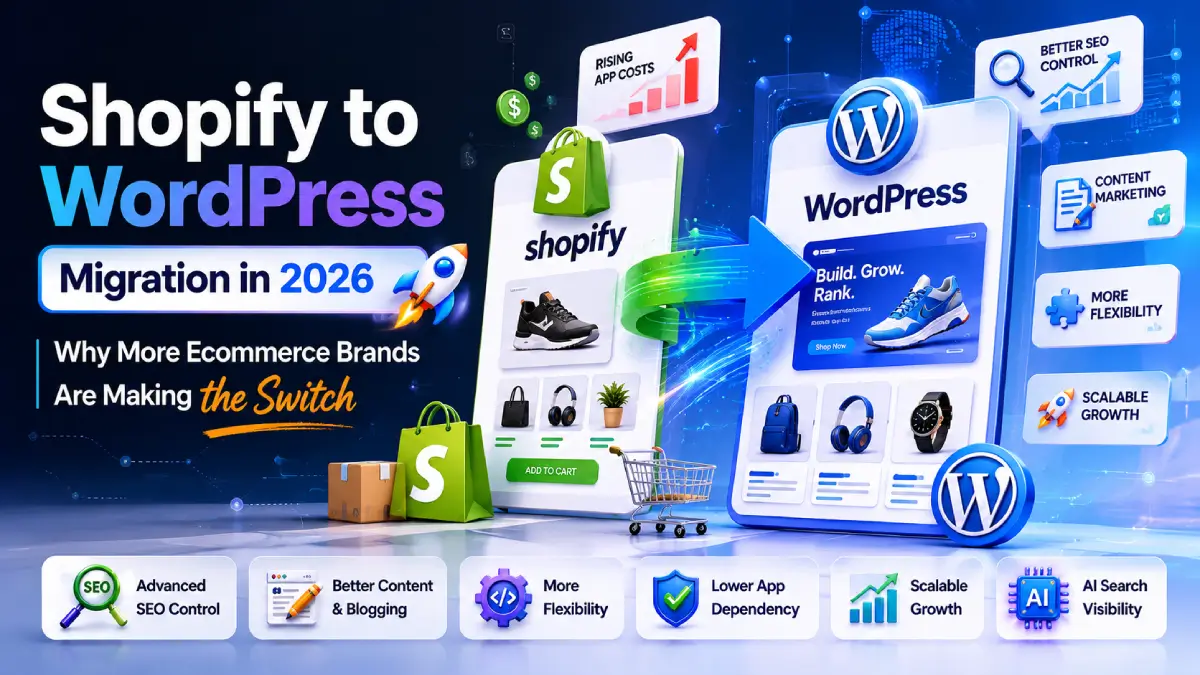
Shopify to WordPress Migration : Why Brands Are Making the Switch

Shopify made e-commerce simple. That’s why so many businesses started there. You could launch a store ...

Top Trending AI Prompts App for 2025 to Generate Stunning Images

In this fast-paced digital world, pictures are more important than ever. Having the right picture can grab people's ....

Share on

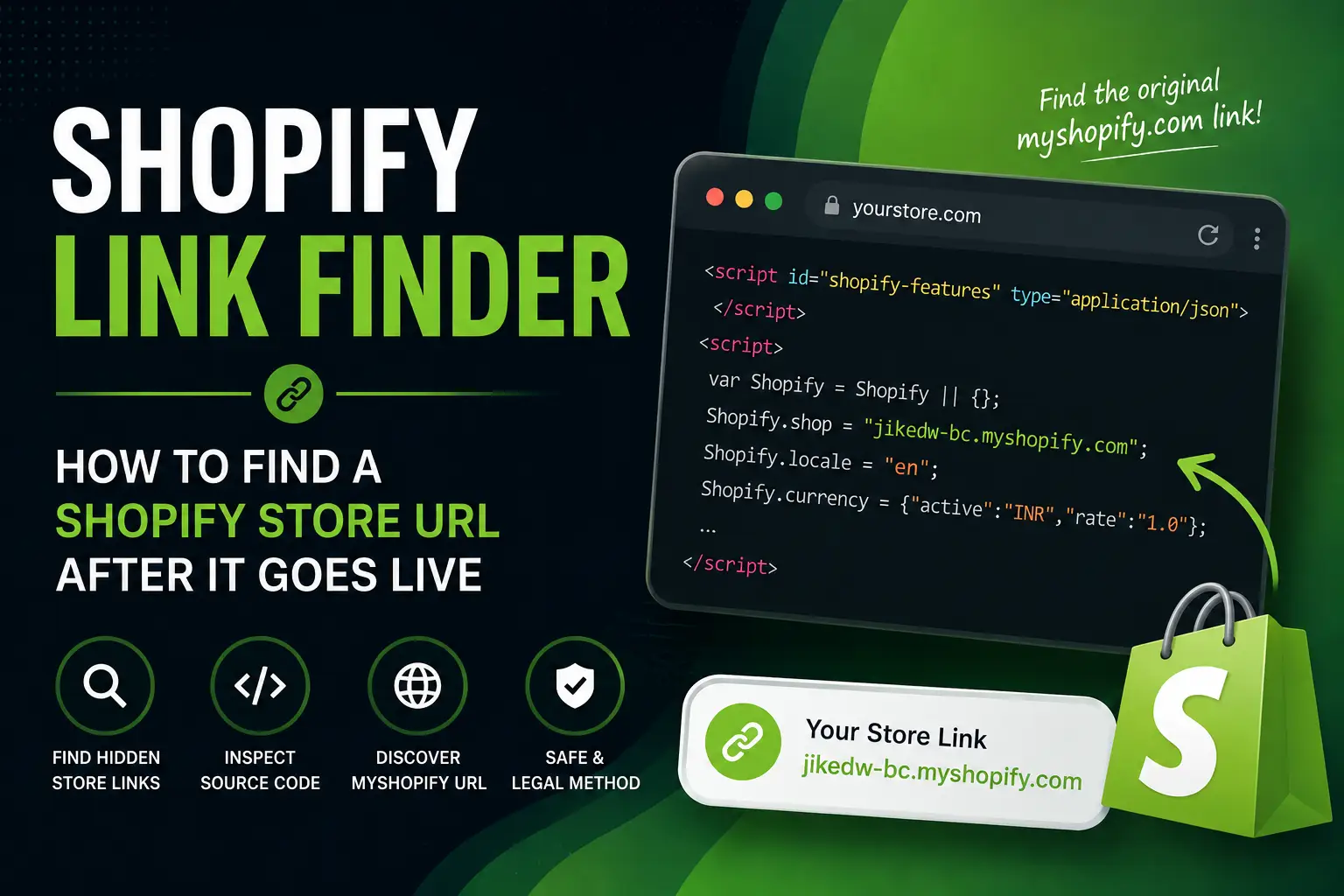
Have you ever wondered whether a website is built on Shopify—even though the store isn’t live yet? Many Shopify stores remain hidden while they are under development. This guide explains how to locate the original .myshopify.com URL that Shopify assigns to every store using publicly available page information.

────────────────────────────────────────────────────────────

What is a Shopify Link Finder?

A Shopify Link Finder is a technique or tool used to identify the original myshopify.com URL behind a Shopify website. Every Shopify store receives a permanent subdomain in the format:

storename.myshopify.com

Even after a merchant connects a custom domain, the original Shopify URL usually continues to exist internally.

────────────────────────────────────────────────────────────

Why Find a Shopify Store Link?

  • Verify whether a website is built on Shopify
  • Check whether a store is still under development
  • Research competitor stores
  • Debug Shopify themes
  • Identify migration projects
  • Audit Shopify implementations

────────────────────────────────────────────────────────────

How Shopify Stores Work

  1. Shopify creates a unique .myshopify.com URL.
  2. The merchant customizes the store.
  3. A custom domain is connected.
  4. Customers visit the custom domain while the original Shopify URL remains associated with the store.


────────────────────────────────────────────────────────────

Method 1: Inspect the Page Source

  1. Open the website.
  2. Right-click and choose ‘View Page Source’ (or press Ctrl + U).
  3. Press Ctrl + F and search for ‘myshopify’.
  4. Look for entries such as Shopify.shop = ‘example-store.myshopify.com’.

Example:

var Shopify = Shopify || {};
Shopify.shop = “jiked-wc.myshopify.com”;
Shopify.locale = “en”;

────────────────────────────────────────────────────────────

Method 2: Use Browser Developer Tools

  1. Press F12 to open Developer Tools.
  2. Open the Elements or Sources tab.
  3. Search for ‘myshopify’ or ‘Shopify.shop’.
  4. Locate the store URL if it is exposed by the theme.

────────────────────────────────────────────────────────────

Method 3: Search JavaScript Files

Many Shopify themes expose store information in JavaScript. Search for ‘Shopify.shop’ or ‘myshopify.com’ within loaded scripts.

────────────────────────────────────────────────────────────

Why Does Shopify Expose This?

  • Store identifier
  • Currency
  • Locale
  • Theme information
  • CDN configuration
  • Routes

────────────────────────────────────────────────────────────

Does This Work for Every Shopify Store?

No. Some stores hide or remove these variables by:

  • Minifying JavaScript
  • Using custom storefronts
  • Rendering content server-side
  • Removing default Shopify variables

────────────────────────────────────────────────────────────

Limitations

  • Cannot access Shopify Admin
  • Cannot bypass storefront passwords
  • Cannot reveal unpublished products
  • Cannot retrieve customer information
  • Cannot expose private APIs

────────────────────────────────────────────────────────────

Frequently Asked Questions

Can every Shopify store’s myshopify.com URL be found?

No. It depends on whether the store exposes the information publicly.

Is the myshopify.com URL permanent?

Yes. Shopify assigns it when the store is created.

Does knowing the URL provide admin access?

No. Authentication is still required.

Is this legal?

Yes. You are only viewing information already delivered to your browser.

────────────────────────────────────────────────────────────

Final Thoughts

A Shopify Link Finder is a useful technique for developers, agencies, and researchers who need to identify the original Shopify store URL behind a website. It relies only on publicly available page information and does not bypass security or provide access to restricted content.

Leave A Comment

Let’s work
together

Get in touch

Company

Home
About Us
Services
Contact
Follow Us
Facebook
LinkedIn
Instagram
X
Our Presence

804, WINGS BUSINESS BAY, near ITC Fortune Hotel, 150 Feet Ring Rd,  Rajkot, Gujarat 360004

Level 19, 263 William Street Melbourne VIC 3000

© 2026 Bitnet Infotech
Privacy Policy
/
Terms of Service

WhatsApp us